How to Evaluate AI Responses Before Putting Them to Work
Why You Need a Practical Check Process
Generative AI tools are now part of many workplace workflows, from drafting emails to summarising reports. But the same flexibility that makes them useful also makes them unpredictable. A model can produce a perfectly plausible answer one moment and a completely wrong one the next. That is why AI model testing training is essential before you trust any output in a real task. A simple checklist helps you catch problems early and build confidence in what the system produces.
The goal is not to turn every user into a machine learning expert. Instead, you want a repeatable process that anyone on the team can follow. The checklist below covers the most common failure points and gives you a quick way to decide if a response is good enough to use, needs editing, or should be discarded entirely.
Check the Task Fit First
Not every question is suited to a generative AI tool. Start by asking whether the request falls inside the model's known strengths. Models are good at rephrasing, generating ideas, and summarising factual information that is widely available. They struggle with precise calculations, recent events, and tasks that require a deep understanding of your specific business context.
If you ask for something outside the model's training data or beyond its reasoning ability, the response will likely be unreliable no matter how good the prompt is. Before you even read the output, check that the question is reasonable for a language model to answer. If it is not, save yourself the time and use a different tool.
Read for Surface-Level Problems
The first pass should catch obvious errors. Look for contradictions within the same paragraph, statements that do not match common knowledge, and formatting that makes the text hard to follow. A model sometimes repeats itself or loses track of what it said earlier in the same response. These are signs that the context window is being used poorly or that the model is struggling to maintain coherence.
Also watch for overly generic language. If the answer could apply to almost any situation, it is probably not useful. Vague responses often mean the model did not have enough detail in the prompt. That is a sign you need to improve your prompt engineering before asking again.
Verify Specific Claims and Numbers
This is the step where most people get caught out. Generative models are not databases. They do not store verified facts. They predict the next word based on patterns, and they can invent plausible-sounding details out of nothing. This is called hallucination, and it happens more often than many users expect.
When the response includes a statistic, a date, a name, or a specific reference, treat it as a candidate rather than a fact. Check it against a reliable source. If you cannot verify it quickly, do not include it in your work. Over time, you will learn which kinds of claims the model gets right consistently and which ones it invents. Keep a mental note of those patterns.
A good practice is to ask the model for sources or reasoning as part of the prompt. Some models will explain their logic, and that explanation can reveal whether the answer is derived from solid reasoning or just plausible phrasing. But even then, verify the source yourself. The model is not citing real documents unless you have connected it to a retrieval system that you control.
Test Consistency Across Different Prompts
A single response can be misleading. If you ask the same question in two slightly different ways, do you get the same core answer? If not, the model may be guessing rather than reasoning. This is especially important for tasks where accuracy is critical, such as drafting policy language or interpreting guidelines.
You do not need to run dozens of tests. Two or three variations of the prompt are usually enough. Change the phrasing, add a short example, or ask for the answer in a different format. Compare the outputs for logical agreement. If they conflict, dig deeper before using any of them.
At this stage, you can also test the model's sensitivity to small changes in the prompt. Some models are brittle and produce very different answers if you reorder the instructions. That brittleness is a red flag. A reliable tool should handle minor rewording without changing its core output.
Check for Bias and Tone Issues
Generative models learn from large collections of text, and those collections contain biases. The model may produce answers that reflect stereotypes or that lean toward a particular viewpoint without being asked. In a workplace setting, this can cause problems ranging from awkward to harmful.

Read the response with an eye for language that assumes gender, nationality, or role. Also check the tone. Is the model being overly confident about something uncertain? Is it using casual language when the context calls for formality? Tone mismatches can make the output feel unprofessional even if the content is factually correct.
If you notice a pattern of bias or inappropriate tone, adjust your prompt to steer the model. For example, you can ask for a neutral explanation or specify the desired tone explicitly. But if the model consistently resists those instructions, it may not be the right tool for that kind of content.
Evaluate the Response Against Your Own Criteria
Before you start using a generative AI tool in earnest, define what a good response looks like for your team. Write down three to five evaluation criteria. These might include accuracy, completeness, clarity, tone, and relevance. Then score each response against those criteria on a simple scale. This turns a subjective judgment into a repeatable process.
Over time, you will collect a small set of example responses that illustrate good and poor quality. Those examples become reference points for training new team members. They also help you communicate with developers or vendors if you need to improve the system's performance.
One practical way to do this is to keep a shared document where the team records short notes on what worked and what did not. Patterns will emerge. You might notice that the model handles short factual queries well but fails on multi-step reasoning. That insight helps you decide where to invest your prompt engineering effort and where to rely on other tools.
Plan for Human Review at Every Stage
No checklist replaces a human who understands the subject matter. The goal of AI model testing training is not to automate the review process. It is to make human review faster and more consistent. The checklist gives you a structure, but the final call always belongs to a person who knows the context, the audience, and the stakes.
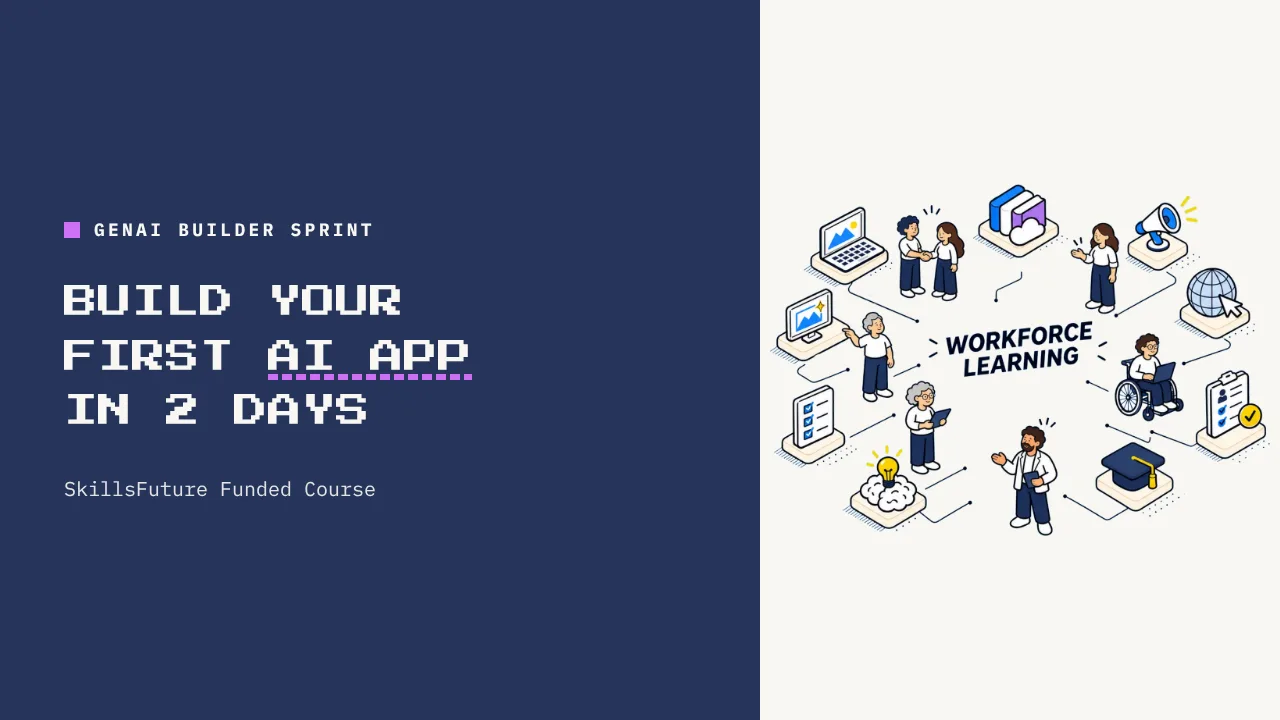
In a classroom setting, such as the one offered by UCC, participants learn to build and deploy a simple generative AI application over two days. Part of that learning involves understanding how to test and refine the model's outputs before putting them into real use. The checklist approach fits naturally into that workflow, because it turns a vague worry about quality into a concrete set of checks.
Once you have gone through the checklist a few times, it becomes second nature. You will start to spot hallmarks of a weak response within seconds. That speed is valuable when you are under time pressure and need to decide whether to use the output or start over.
Remember that the checklist is a living document. As the models improve and as your tasks change, update your criteria. What counts as a good response today may not be good enough next month. The discipline of regularly reviewing your own evaluation process is what keeps the tool useful rather than dangerous.
By following a structured approach, you reduce the risk of embarrassing errors and build trust in the technology across your team. The time you invest in checking responses pays back in fewer corrections later and in better decisions made with the help of the AI.